RUN A TEAM

Michigan FIRST LEGO League Explore students working togetherExplore FIRST LEGO League Explore!
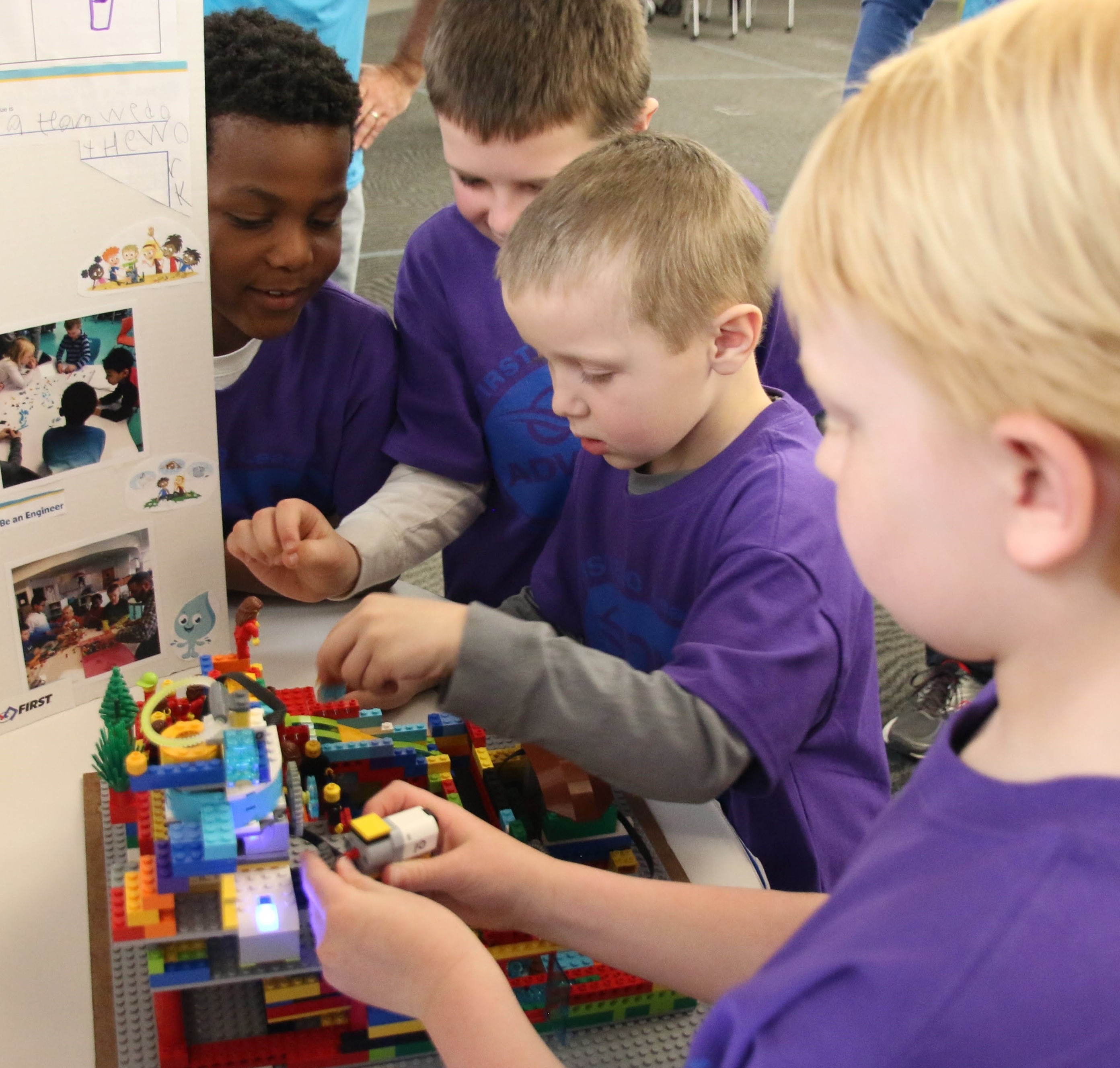
Michigan students in grades K–3 work together to explore a real-world theme, build and program with LEGO® Education SPIKE™ Essential, and celebrate their accomplishments at a Festival.


Before you register

Before creating or registering your team, make sure you have the basic pieces needed to participate in the Michigan FIRST LEGO League Explore program:

  • Students: Form a team of 2–6 students who are in kindergarten through third grade.
  • Lead Coaches: Identify two adults who will register as Lead Coaches and complete FIRST Youth Protection requirements.
  • Team affiliation: Connect the team with a school or an eligible youth-serving nonprofit organization that will own the team number and reusable equipment.
  • Equipment: Confirm that the team has access to a LEGO® Education SPIKE™ Essential Set. New Michigan teams that need a set will receive additional purchasing information after registration.

The five steps below will guide you through selecting the correct program, forming your team, registering, obtaining materials, and preparing for a Festival.


1 | CHOOSE THE PROGRAM

FIRST in Michigan supports the Founders Edition of FIRST LEGO League Explore for Michigan students in grades K–3. Teams must select Founders Edition to participate in Michigan Festivals and qualify for applicable FIRST in Michigan grants.

Although the national FIRST Dashboard may display different grade ranges, Michigan teams must follow the K–3 eligibility requirements listed on the FIRST in Michigan website.

Program and edition details

FIRST LEGO League has three age-appropriate divisions in Michigan:

  • Discover — Preschool
  • Explore — Kindergarten through third grade
  • Challenge — Fourth grade through the end of elementary school

Founders Edition, Future Edition, Class Packs, and officially registered teams are different participation and purchasing options. A Class Pack does not, by itself, create officially registered teams or provide official team numbers and does not qualify for FiM team grants.

The 2026–2027 BIOGLOW season will continue as planned. FIRST is developing a new generation of K–8 robotics programs for 2027–2028.

Learn more about FIRST K–8 programs: 2027 and beyond

Review Michigan Explore Information


2 | FORM THE TEAM

Form a team of 2–6 students in grades K–3 and identify two adults to serve as Lead Coaches. Coordinate with the school or eligible youth-serving organization that will own the team number and reusable equipment.

Most Michigan teams are organized through schools, although eligible organizations such as 4-H groups, Scout groups, and other established youth-serving nonprofits may also form teams.

Team formation, coaches, and meeting details

Finding an existing team
FIRST in Michigan does not place students on teams or share private coach contact information. Families should begin by contacting their child’s school or a local youth organization. The Michigan Team List can help identify organizations with teams in an area.

Coaches and mentors
Coaches do not need a technical background. Every team needs two registered adult Lead Coaches who complete FIRST Youth Protection requirements. Other adults may assist as mentors in technical or nontechnical roles.

Meetings
Teams commonly meet once per week for one to two hours. Choose a safe location with sufficient workspace, internet access, tables, chairs, and secure equipment storage.

Affiliation and grants
Correctly connect the team to its school or organization in the FIRST Dashboard. Michigan Department of Education grant eligibility requires affiliation with an MDE-recognized school, charter school, or academy. Grant funds cannot be paid to individuals.

View the Michigan Team List


3 | REGISTER IN THE FIRST DASHBOARD
  1. Sign in to the FIRST Dashboard.
  2. Open My Roles.
  3. Select Team.
  4. Create a new team or select the existing permanent team number.
  5. Choose FIRST LEGO League Explore — Founders Edition and connect the correct school or organization.
  6. Add two Lead Coaches and complete the required Youth Protection steps.
Registration, coaches, and youth roster details

New teams: Follow the Dashboard prompts to create the team, enter its information, and connect it to the correct school or organization. The new official team number will be used for grants, events, rosters, and communication.

Returning teams: Select the team’s permanent number and register it for the 2026–2027 BIOGLOW season. Do not create a new team if the organization intends to reuse an existing team number.

Lead Coaches: Invite two adults as Lead Coach 1 and Lead Coach 2. Each coach must accept the role and complete required profile, consent, training, background-screening, and Youth Protection steps. Required clearances must appear in the Dashboard.

Youth members: Use the Team Contacts/Roster area to generate the Express Enrollment link or QR code. Parents or guardians register their children and complete the FIRST Consent and Release Form. Approve pending youth applications and verify the roster before attending a Festival.

Review FIRST Youth Protection information
Review youth registration and Express Enrollment instructions

Open the FIRST Dashboard


4 | PURCHASE MATERIALS

New Founders Edition Explore teams need season registration, the annual BIOGLOW Explore Set, and access to a LEGO Education SPIKE Essential Set. Returning teams may reuse their SPIKE Essential equipment.

New Michigan teams without access to SPIKE Essential should contact Heidi before purchasing equipment.

Budget, grants, and purchasing details

Complete the registration and purchasing options for the team in the FIRST Dashboard. Confirm the correct edition, school or organization affiliation, and tax status before submitting payment.

Standalone Class Packs do not create official team numbers and are not eligible for FiM team grants. Educators may use Founders Edition materials in a classroom while organizing students into separately registered teams.

Families and coaches may also ask local employers and community organizations about STEM grants, sponsorships, mentors, equipment, or meeting space.

Review FIRST cost and registration information

View Current Season Resources


5 | PREPARE FOR A FESTIVAL

Teams use the Team Meeting Guide to explore the annual theme, build and program their model, and create a Show Me poster. At a Festival, teams share what they learned, participate in activities, and celebrate their season.

Michigan Festival registration is managed locally through FIRST in Michigan, not through the national FIRST Dashboard. Event instructions and placement information are emailed to registered teams and posted on the Michigan Explore website.

Festival preparation and event-readiness details

Season timing: Fall Festivals are held November through February, and spring Festivals are held April through May.

Event readiness: Before attending, confirm that both Lead Coaches have completed required Youth Protection steps, all participating students appear on the official roster, and all required Consent and Release Forms are complete.

Festival experience: Teams participate in STEM activities and share their model and Show Me poster with reviewers. All team members receive a medal, and each team receives an award certificate.

Find Michigan Explore Events


I need help

Questions about selecting the correct program, registering a team, purchasing equipment, or preparing for a Festival?

Heidi Ferguson
FIRST in Michigan FLL Explore Program Director
heidi@firstinmichigan.org
(989) 513-1841