 Explore FIRST LEGO League Explore!
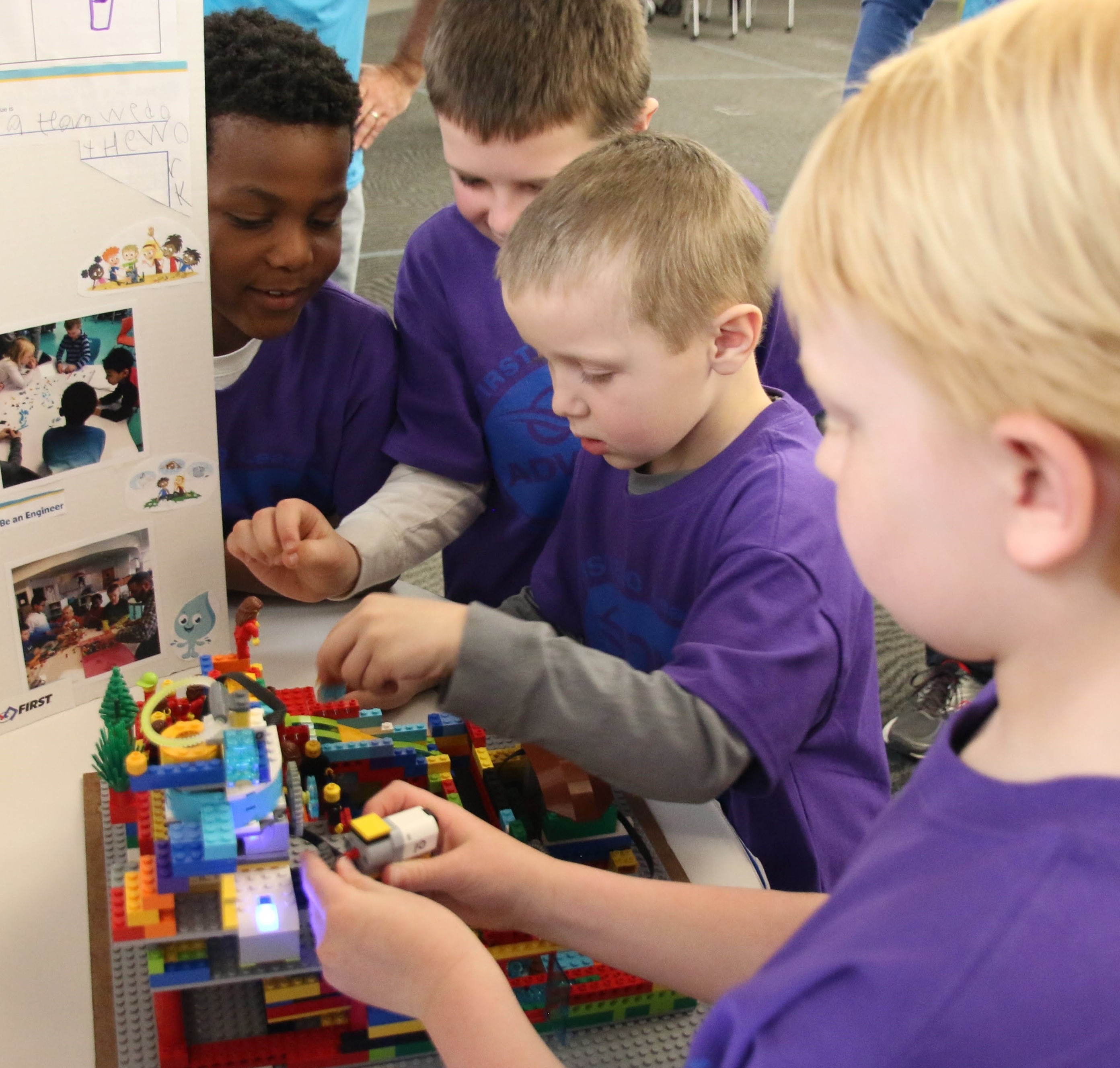
Michigan students in grades K–3 work together to explore a real-world theme, build and program with LEGO® Education SPIKE™ Essential, and celebrate their accomplishments at a Festival.
Before you register
Before creating or registering your team, make sure you have the basic pieces needed to participate in the Michigan FIRST LEGO League Explore program:
- Students: Form a team of 2–6 students who are in kindergarten through third grade.
- Lead Coaches: Identify two adults who will register as Lead Coaches and complete FIRST Youth Protection requirements.
- Team affiliation: Connect the team with a school or an eligible youth-serving nonprofit organization that will own the team number and reusable equipment.
- Equipment: Confirm that the team has access to a LEGO® Education SPIKE™ Essential Set. New Michigan teams that need a set will receive additional purchasing information after registration.
The five steps below will guide you through selecting the correct program, forming your team, registering, obtaining materials, and preparing for a Festival.
1 | CHOOSE THE PROGRAM
FIRST in Michigan supports the Founders Edition of FIRST LEGO League Explore for Michigan students in grades K–3. Teams must select Founders Edition to participate in Michigan Festivals and qualify for applicable FIRST in Michigan grants.
Although the national FIRST Dashboard may display different grade ranges, Michigan teams must follow the K–3 eligibility requirements listed on the FIRST in Michigan website.
Review Michigan Explore Information
2 | FORM THE TEAM
Form a team of 2–6 students in grades K–3 and identify two adults to serve as Lead Coaches. Coordinate with the school or eligible youth-serving organization that will own the team number and reusable equipment.
Most Michigan teams are organized through schools, although eligible organizations such as 4-H groups, Scout groups, and other established youth-serving nonprofits may also form teams.
3 | REGISTER IN THE FIRST DASHBOARD
- Sign in to the FIRST Dashboard.
- Open My Roles.
- Select Team.
- Create a new team or select the existing permanent team number.
- Choose FIRST LEGO League Explore — Founders Edition and connect the correct school or organization.
- Add two Lead Coaches and complete the required Youth Protection steps.
4 | PURCHASE MATERIALS
New Founders Edition Explore teams need season registration, the annual BIOGLOW Explore Set, and access to a LEGO Education SPIKE Essential Set. Returning teams may reuse their SPIKE Essential equipment.
New Michigan teams without access to SPIKE Essential should contact Heidi before purchasing equipment.
5 | PREPARE FOR A FESTIVAL
Teams use the Team Meeting Guide to explore the annual theme, build and program their model, and create a Show Me poster. At a Festival, teams share what they learned, participate in activities, and celebrate their season.
Michigan Festival registration is managed locally through FIRST in Michigan, not through the national FIRST Dashboard. Event instructions and placement information are emailed to registered teams and posted on the Michigan Explore website.
I need help
Questions about selecting the correct program, registering a team, purchasing equipment, or preparing for a Festival?
Heidi Ferguson
FIRST in Michigan FLL Explore Program Director
heidi@firstinmichigan.org
(989) 513-1841